Assigning Rooms from the Reservation Screen
An icon is displayed for the rooms with features tagged to be excluded from being auto assigned on the Other Matching Rooms section of a reservation. When users hover over the icon, the following message is displayed: Excluded from Room Auto-Assignment.
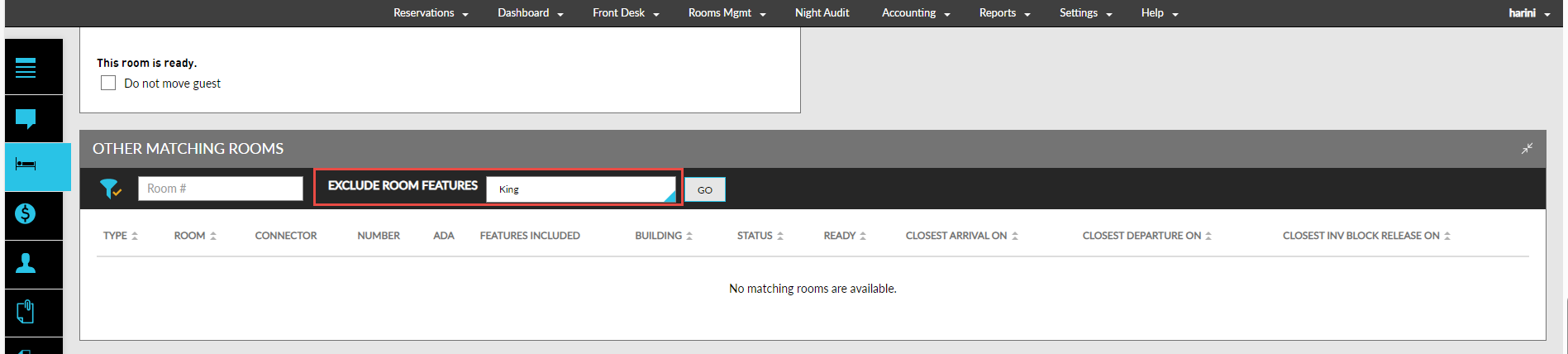
When users expand the Other Matching Rooms section of the reservation, the excluded features for the rooms are displayed in the Exclude Room Features drop-down. Based on the features selected, the rooms are retrieved and displayed.
When users perform Copy Reservation, the excluded room features selected for the reservation cannot be copied.